

60 Sh Koala Transparency Film 8.5×11 Clear for Overhead Projector Laser Inkjet
Specifications
| Return Shipping Will Be Paid By | Buyer |
| All Returns Accepted | Returns Accepted |
| Item Must Be Returned Within | 30 Days |
| Refund Will Be Given As | Money Back |
| Thickness | 4.5 mil |
| Brand | Koala Paper |
| Type | Transparency Film |
| Paper Quantity | 60 Sheets |
| Model | MF-20-3PACK |
| Paper Size | 8.5x11 (Letter) |
| Film Style | Custom |
| MPN | MF-20 |
| Material | Polyester |
| Country/Region Of Manufacture | United States |
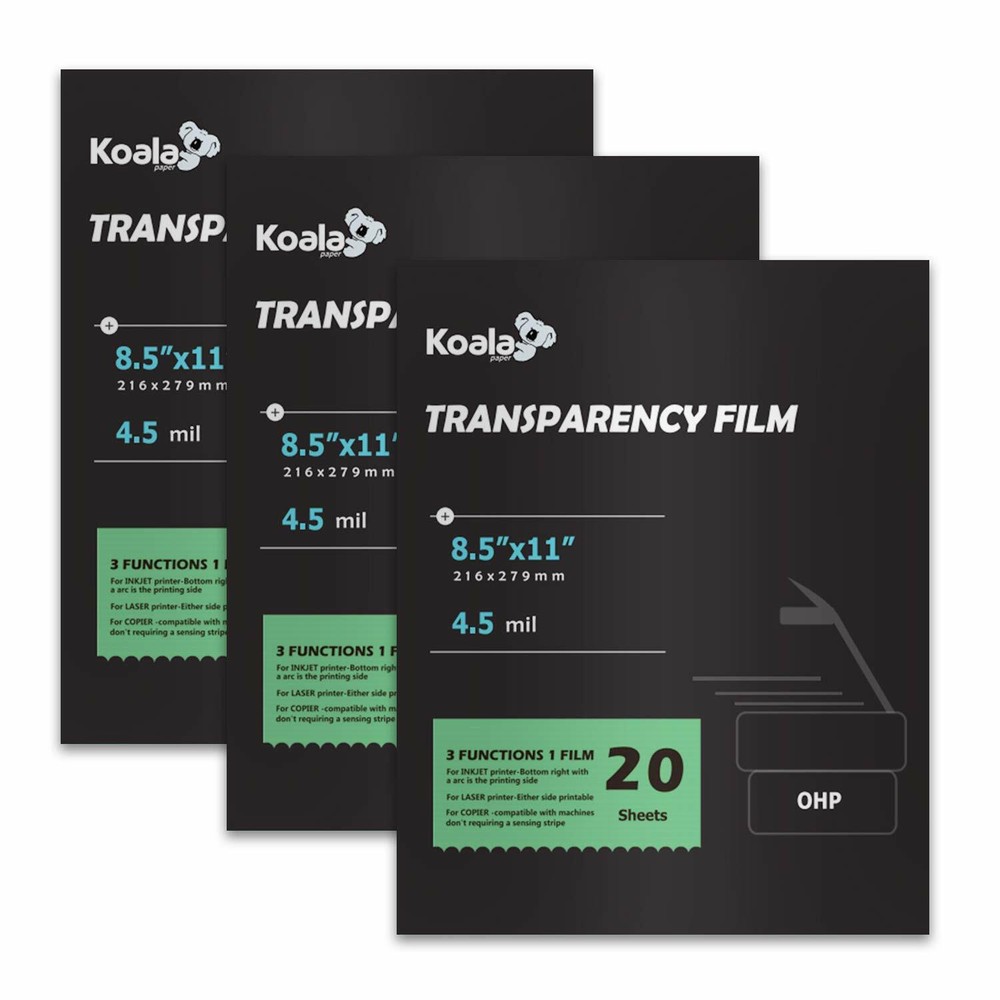
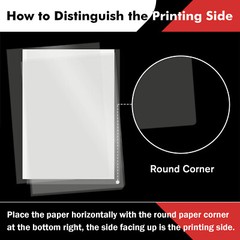
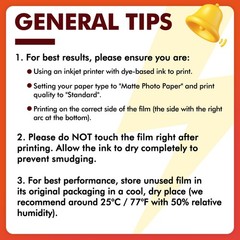
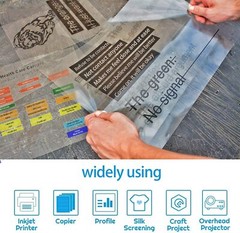
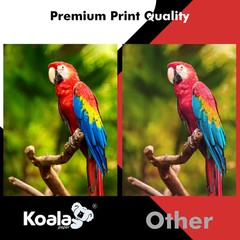
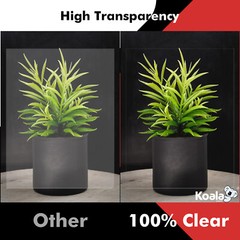
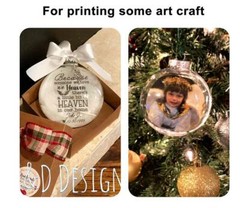
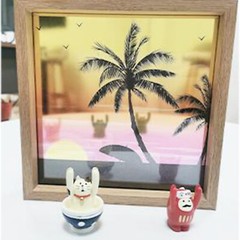
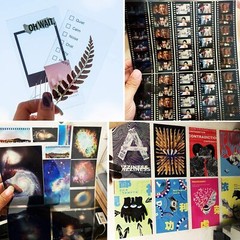
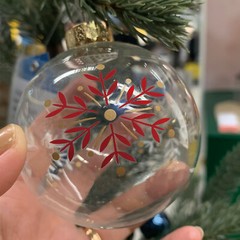
View more great items Create eye-catching results with this clear OHP film which is specially coated to produce brilliant presentation. Great image reproduction and brightness;APPLICATIONS: Perfect for use in office and school ; such as meetings, charts, equations, graphic overhead project presentations, educational purposes ,custom trading cards, making Yugioh Oricas , academic forum, or DIY crafts to a clear full face shield, custom floating ornaments, etc. SHEET SIZE: 8.5"x11", 20 sheets /pack, TOTAL 3 PACKS, 60 SHEETS, about 4.5 Mil thick PER SHEET; bottom right with an arc is the printing side ; Both Side Printable; Suitable for All inkjet printers, laserjet printer and copier;BONUS FEATURES: you can use easy erase marker pen to write anything you want when you use it as a writen film, it can be easilly removed by dry-eraser.30 Days Money Back, buy with confidence, 24/7 service, Don't Hesitate,Just Click Buy It Now! Product information Size:20 sheets per pack Technical Details: Brand Name KOALA PAPER Item Weight 9.1 ounces Package Dimensions 11 x 8.5 x 0.6 inches Size 60 sheets- inkjet, laser and copier Sheet Size 8.5-x-11-inch Manufacturer Part Number MF-20-3PACK Warm Tips:1.As this transparency film both sides are printable, so when you use it as a written film, you need to print it with mirror printing mode and write with easy erase marker pen; If you were printing it with normal printing mode, it will be a little hard to erase what you have written on the printings. 2.If you use an inkjet printer to print this film, you need to set your printer setting: Paper Type: photo paper; Quality: Standard to get the best print results.
Related Items